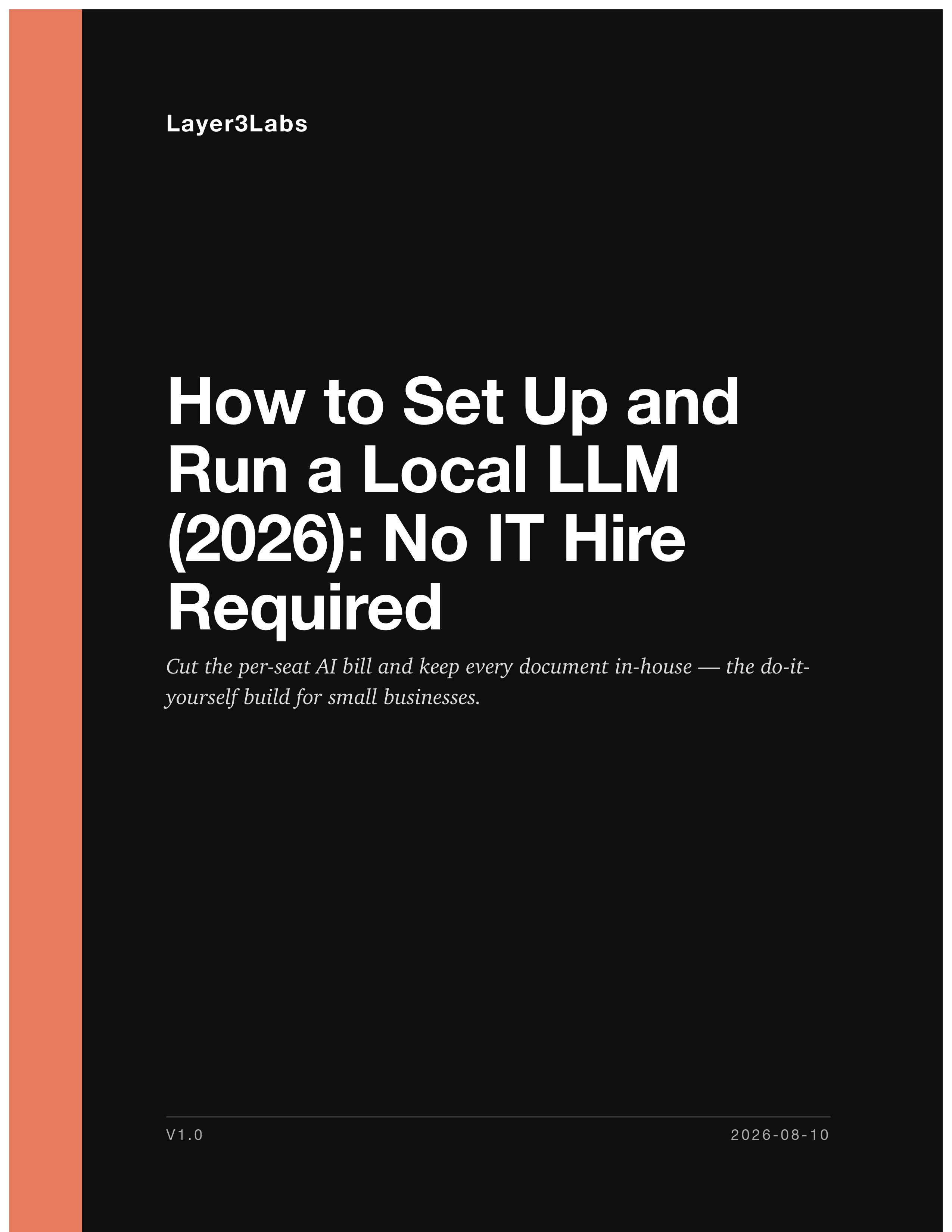
How to Set Up and Run a Local LLM (2026): No IT Hire Required
Cut the per-seat AI bill and keep every document in-house — the do-it-yourself build for small businesses.
Why the AI Bill Keeps Going Up
- Per-seat AI subscriptions scale with headcount, so the cost of adding a person keeps rising while the work stays the same
- The documents where AI would save the most time are the ones you cannot paste into somebody else's server
- Advice on running models yourself is written for developers, assumes a terminal, and skips the part where you find out what hardware you actually need
- The guidance that does exist goes stale in months — models, prices, and commands all move, and nothing tells you which parts changed
- Buying the wrong machine is a four-figure mistake you discover after the return window has closed
Built From Real Deployments
Cut the per-seat AI bill and keep every document in-house — the do-it-yourself build for small businesses. For an owner, operator, or one-person IT department at a small business or professional practice who wants AI that runs on hardware they control — to stop paying per-seat subscriptions and to stop sending client documents to somebody else's server — and who intends to set it up themselves.
The Seven Chapters
Install It Today
A working model on the computer already on your desk, in about twenty minutes, with the terminal explained before you are asked to type anything. Then the honest comparison of the four programs that matter, so you pick one and stop reading.
Which Model Should You Run
Seven models worth your disk space, what each is genuinely good at, and what its licence lets a business do. Includes the exact command to pull each one, and a two-minute check for whether a newer version has shipped since publication.
The Hardware You Actually Need
Four lines of arithmetic that tell you whether a model fits a machine, so the purchase is a conclusion instead of a guess. Four builds with named parts and dated prices, what each will not run, and how to rent a GPU for the price of lunch before committing.
The Cost and Security Case
The full three-year sum with your own setup and rollout hours priced in, and the seat count where local starts winning. Then what your data never leaves actually means, how to verify it yourself, and the fourteen-item pass that keeps the machine off the public internet.
From Your Desk to the Team
Turning one install into something the business runs on: the network layout in plain terms, individual accounts and history, what happens to speed when four people ask at once, and a four-week rollout that survives week two.
Making It Fast Enough
The settings that move a system from unusable to fine without spending anything. Quantization explained without the mathematics, what a long context really costs you in memory, and how to measure your own speed so comparisons mean something.
Put It to Work
Pointing the model at your own documents without a developer, including which files need converting first and why answers come back wrong. Five workflows with the prompt printed, the setup stated, and the payback worked.
141 pages · 10 editable templates · ~49,483 words
Who This Is and Isn't For
For you if
- You pay per seat for AI and the bill has been climbing while the work has not changed
- There are documents you will not put into a cloud tool, and that has quietly ruled AI out for the work that matters most
- You are comfortable installing software and following instructions, and you would rather do it yourself than hire someone
- You want a system your team opens every morning, not a weekend experiment that gets abandoned in week three
Not for you if
- You have an IT department or managed provider who would own this anyway
- You want to train or fine-tune your own model, which this guide tells you to avoid and explains why
- You need the absolute frontier capability on every task, where the honest answer is still a cloud model
One-Time Purchase, Lifetime Access
- 141-page PDF, instant download
- 10 editable templates (Word and Excel)
- Single-firm license
- Free updates for 12 months
Refund Policy
If you are not sure the guide is a fit, email jonathan@layer3labs.io before buying and I will send you a sample chapter and answer any specific fit questions. Unfortunately we cannot offer a refund because this is a digital product.
About Layer3Labs
Questions Owners Ask Before Buying
Do I need to be technical to follow this?
You need to be comfortable installing software and following written instructions. You do not need to be a developer. The guide opens the terminal for you — what it is, how to open it on Windows, Mac, and Linux, and what a successful command looks like — before it asks you to type anything, and there are about six commands in the whole book. Where a step genuinely needs more skill than that, the guide says so and gives you the simpler route to the same result.
What hardware do I need, and will my current computer work?
Chapter 3 answers this with arithmetic rather than opinion. You work out your usable memory, the size of the model you want, and the working memory it needs, and the three numbers tell you whether it fits. Many readers find the machine already on their desk runs a capable model. For those who need to buy, there are four builds with named parts and August 2026 prices, from roughly zero to a shared team server, and a section on renting an hourly cloud GPU to prove a model tier before you spend anything.
Will this actually save me money?
Sometimes, and the guide shows you the arithmetic rather than asserting it. Chapter 4 prices the full local stack including your own setup and rollout hours, compares it against a realistic hybrid where you keep a couple of cloud seats, and puts the break-even crossover at around eleven seats. Below that, it shows local losing over three years and says so plainly. If the money does not work for your headcount, the guide tells you, and the data-control argument is then the one that has to carry the decision.
Does running locally make me HIPAA or GDPR compliant?
No, and the guide is direct about that. Running a model on your own hardware removes a third-party recipient from the picture, which is a genuine and significant thing, but it confers no compliance by itself. Chapter 4 sets out what local inference does and does not solve for HIPAA, GDPR, privilege, and NDAs, what you can factually represent on a client security questionnaire, and where the reading belongs to your own adviser rather than to us.
How will this age, given how fast models change?
Every figure, version, price, and command was verified against a primary source in August 2026 and is dated where it appears. More usefully, the guide teaches the method rather than just the answer: how to size any model against any machine, and a two-minute check for whether a newer generation of your chosen model has shipped. Chapter 2's shortlist will need refreshing; the arithmetic in chapter 3 and the rollout in chapter 5 will not.
What format is it, and how do I get it?
A 141-page PDF plus ten editable templates in Word and Excel, delivered by email immediately after purchase. Every template is also printed in full inside the PDF, so a printout is complete on its own and nothing depends on clicking a link. The templates cover hardware sizing, model scoring, installation, cost comparison, a use policy, security hardening, a 30-day rollout, a starter prompt library, a benchmark log, and document workflow mapping.
How is this different from the free articles on your site?
The free articles answer one question each — what Ollama is, how to run a particular model, which open-weights models are worth using. This is the whole path in order, with the parts nobody writes up: the memory arithmetic that decides what you can buy, the cost model with the rollout labour priced in, the security work that stops you publishing your own documents to the internet, and the four-week rollout that decides whether anyone still uses it in month two. If the free articles cover what you need, use them.
Can I share it with my team?
Yes, within your own business. The licence is single-buyer, single-business: you may share the guide and the templates with employees and contractors at your business, and the templates are meant to be edited and filled in. You may not resell or redistribute them, or give another business access.
What if it turns out not to be a fit?
Email jonathan@layer3labs.io before you buy and we will send you a sample chapter and answer any specific questions about whether it fits your situation. Unfortunately we cannot offer a refund because this is a digital product, so we would rather you find out beforehand.
Get The Guide
141-page PDF and 10 editable templates. Instant download.
How to Set Up and Run a Local LLM (2026): No IT Hire Required
Get The Guide$59$89Other Guides in This Series
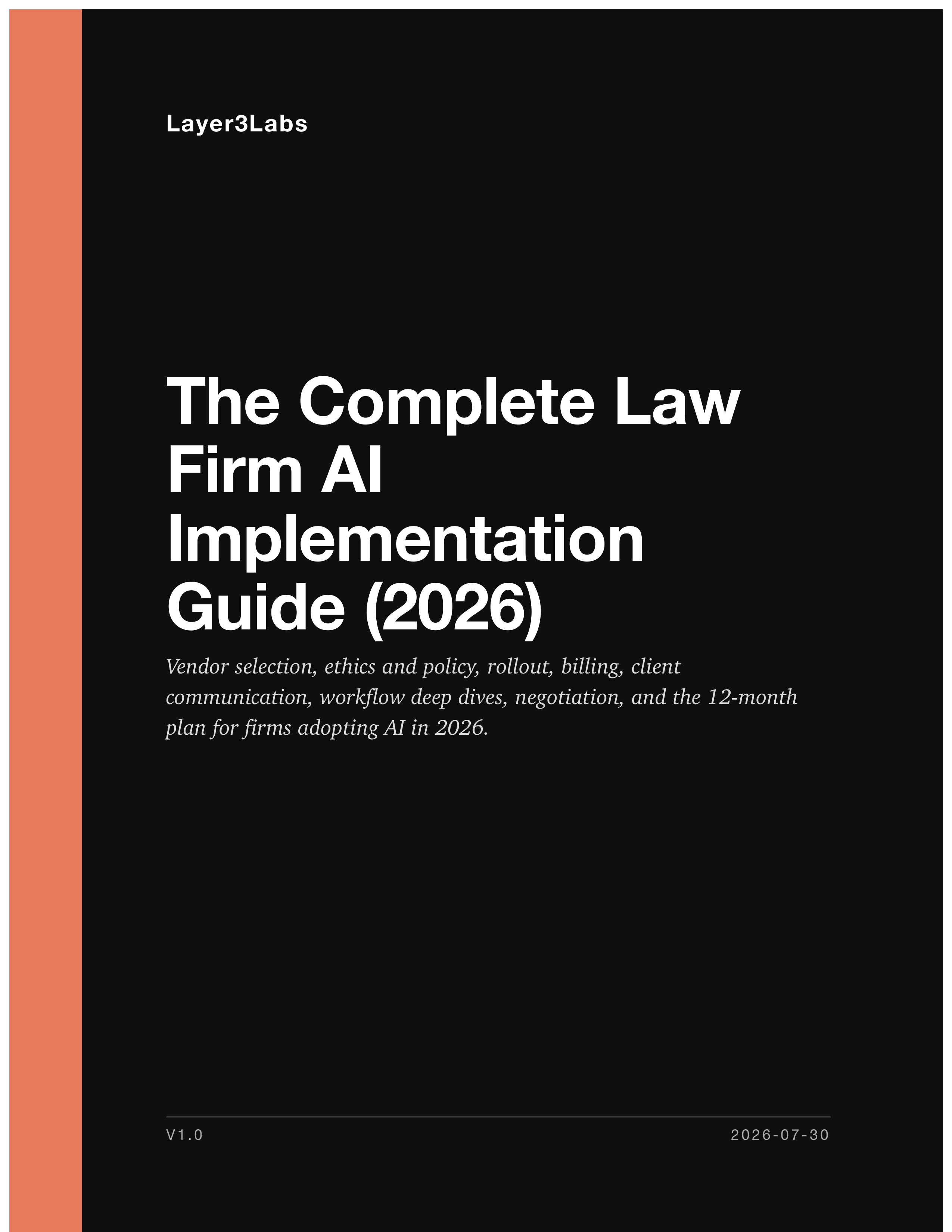
The Complete Law Firm AI Implementation Guide (2026)
Vendor selection, ethics and policy, rollout, billing, client communication, workflow deep dives, negotiation, and the 12-month plan for firms adopting AI in 2026.
$59
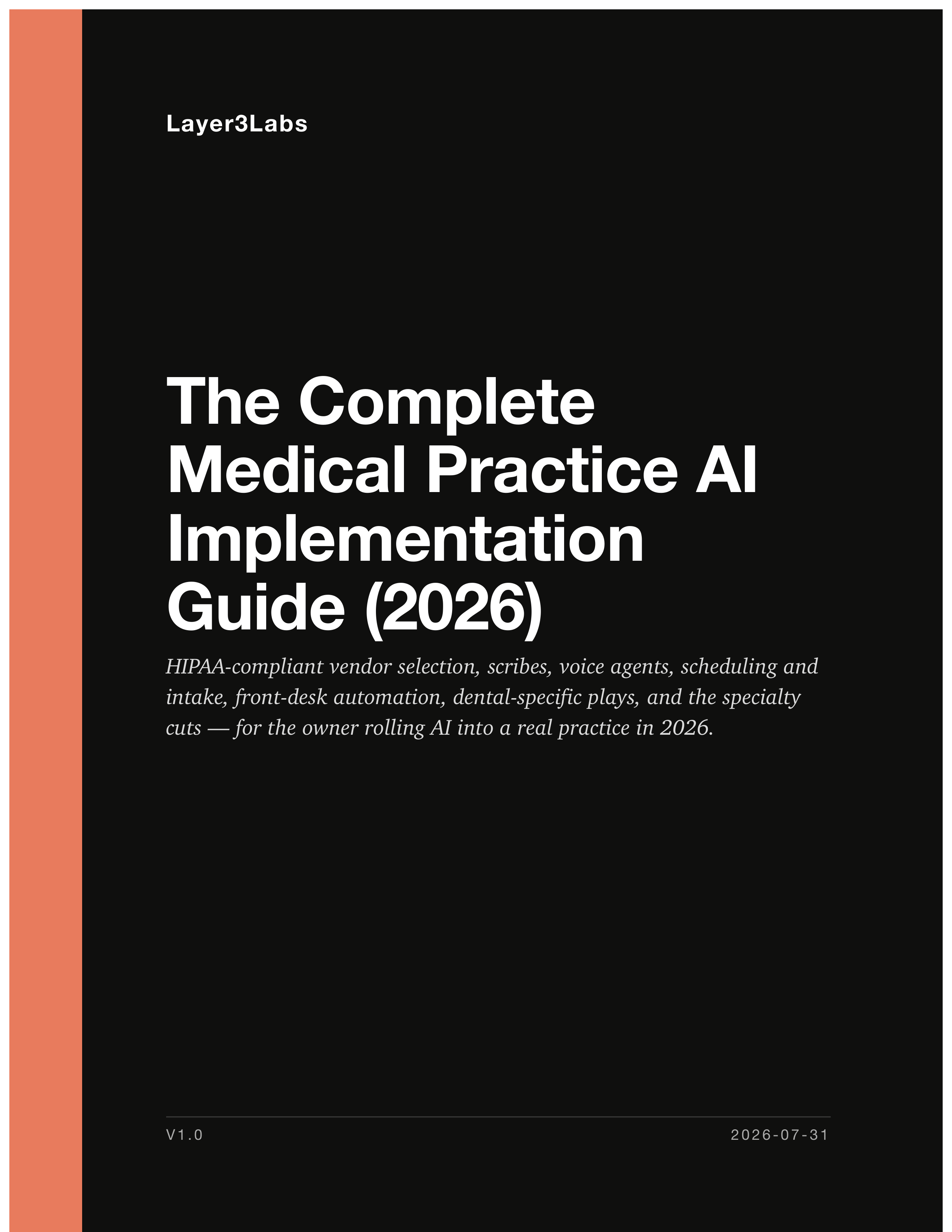
The Complete Medical Practice AI Implementation Guide (2026)
HIPAA-compliant vendor selection, scribes, voice agents, scheduling and intake, front-desk automation, dental-specific plays, and the specialty cuts — for the owner rolling AI into a real practice in 2026.
$59

Cut your AI bill with Chinese open-weight models — without the risk
Safety, pricing and savings for Kimi K3, DeepSeek, Qwen and z.ai GLM — the four-vendor comparison for owners and IT leads.
$59